> ## Documentation Index
> Fetch the complete documentation index at: https://ade-ac1c6011-dependabot-github-actions-actions-cache-6.mintlify.site/llms.txt
> Use this file to discover all available pages before exploring further.
# Permissions and security
> How ADE keeps agent work scoped to a lane, makes shared config trusted before it runs, and keeps secrets local.
ADE agents edit files and run commands, so permissions matter. The goal is simple: keep each agent's work scoped to the right lane, make shared config trusted before it can run on your machine, and keep secrets off disk in plaintext.
## Main controls
Sessions run inside the selected lane's worktree under `.ade/worktrees/`, isolated from your primary checkout and from other lanes.
Claude Code, Codex, Cursor, Factory Droid, and OpenCode each expose their own approval modes; ADE maps them to a common set.
Shared config that can spawn processes requires a trust confirmation before ADE will run it.
Provider keys and credentials stay in local encrypted stores or gitignored files — never in shared config.
## Lane scope
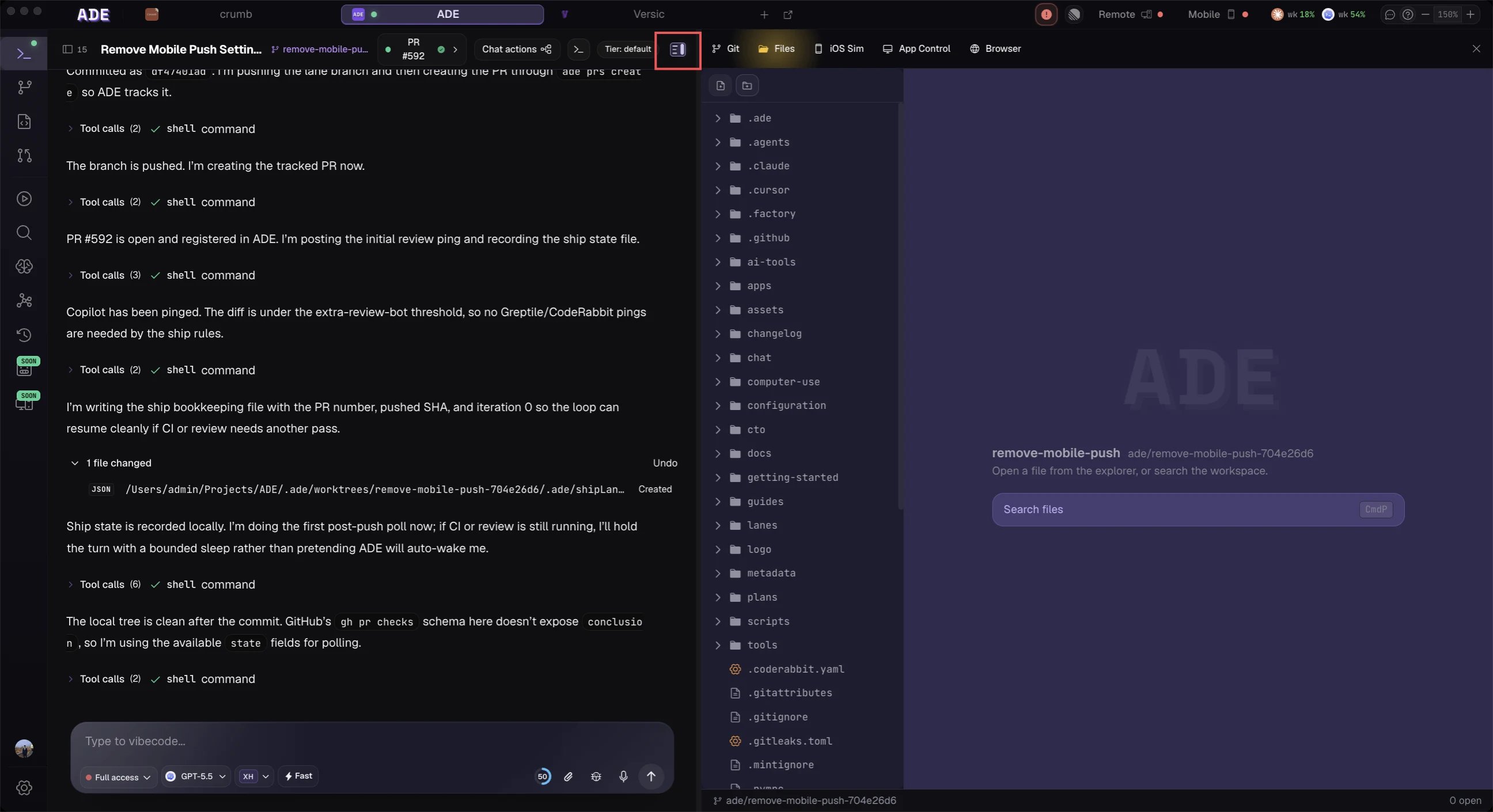
A lane is a git worktree. Chats, terminals, CLI sessions, and the processes they start are scoped to that worktree, so an agent working a task can't reach into your primary checkout or another lane's files. Do agent edits in lanes and keep the primary checkout for inspection — it's your real working tree and the safer default to leave alone.
## Per-agent tool control
Each agent runs with a permission mode that governs how freely it can edit files and run commands. Set a stricter mode for unfamiliar repositories, and a more permissive one only when you trust the lane and the task. You can also scope which tools a session may use from the chat header.
 ## Provider permission modes
Permission names vary by provider, but ADE groups them into a common set:
| Mode | Meaning |
| ---------------- | ---------------------------------------------------------------------------- |
| Plan / read-only | The agent can inspect and propose, but cannot freely edit. |
| Edit / default | The agent works in the lane with normal approval guardrails. |
| Full auto | The agent runs with fewer prompts. Use only when the environment is trusted. |
| Custom | The provider's own configuration decides. |
Set defaults per provider in **Settings → AI Connections**, and override per chat or worker as needed.
## The trust model for shared config
ADE splits project configuration into shared, version-controlled `.ade/ade.yaml` and a per-user, gitignored `.ade/local.yaml`. Shared config can introduce new commands — processes, stacks, test suites — that you haven't approved. ADE treats that as sensitive: when the shared config changes, it must be **trusted** again before ADE will return an executable config that spawns processes. Cloning a repo and opening it requires confirming trust on its shared config the first time.
Local config isn't trust-gated — you only need to trust your own overrides. Treat a shared-config change the same way you'd review a CI script or Dockerfile.
## Practical defaults
* Do agent edits in worktree lanes, not the primary checkout.
* Keep the primary checkout for inspection or manual commands.
* Review diffs before committing or pushing.
* Use stricter approval modes for unfamiliar repositories.
* Keep provider keys and tokens out of shared config and out of Git.
* Review shared-config changes carefully before confirming trust.
## Sensitive actions
Be extra careful with:
* Force pushes.
* Commands that run outside the repository.
* Secret files and `.env` files.
* Scripts pulled from unreviewed branches.
* Networked deployment or release commands.
ADE helps enforce boundaries, but agents still run tools on your machine. Review what they ask to do, especially in new repositories and the first time you open a teammate's shared config.
Connect each agent and set permission presets.
The `.ade/` directory, the trust model, and what not to commit.
## Provider permission modes
Permission names vary by provider, but ADE groups them into a common set:
| Mode | Meaning |
| ---------------- | ---------------------------------------------------------------------------- |
| Plan / read-only | The agent can inspect and propose, but cannot freely edit. |
| Edit / default | The agent works in the lane with normal approval guardrails. |
| Full auto | The agent runs with fewer prompts. Use only when the environment is trusted. |
| Custom | The provider's own configuration decides. |
Set defaults per provider in **Settings → AI Connections**, and override per chat or worker as needed.
## The trust model for shared config
ADE splits project configuration into shared, version-controlled `.ade/ade.yaml` and a per-user, gitignored `.ade/local.yaml`. Shared config can introduce new commands — processes, stacks, test suites — that you haven't approved. ADE treats that as sensitive: when the shared config changes, it must be **trusted** again before ADE will return an executable config that spawns processes. Cloning a repo and opening it requires confirming trust on its shared config the first time.
Local config isn't trust-gated — you only need to trust your own overrides. Treat a shared-config change the same way you'd review a CI script or Dockerfile.
## Practical defaults
* Do agent edits in worktree lanes, not the primary checkout.
* Keep the primary checkout for inspection or manual commands.
* Review diffs before committing or pushing.
* Use stricter approval modes for unfamiliar repositories.
* Keep provider keys and tokens out of shared config and out of Git.
* Review shared-config changes carefully before confirming trust.
## Sensitive actions
Be extra careful with:
* Force pushes.
* Commands that run outside the repository.
* Secret files and `.env` files.
* Scripts pulled from unreviewed branches.
* Networked deployment or release commands.
ADE helps enforce boundaries, but agents still run tools on your machine. Review what they ask to do, especially in new repositories and the first time you open a teammate's shared config.
Connect each agent and set permission presets.
The `.ade/` directory, the trust model, and what not to commit.