> ## Documentation Index
> Fetch the complete documentation index at: https://ade-ac1c6011-dependabot-github-actions-actions-cache-6.mintlify.site/llms.txt
> Use this file to discover all available pages before exploring further.
# Set up the CTO
> Give the CTO a persona and model, connect GitHub and Linear, add a worker or two, and start with a planning prompt.
The CTO is usable in minutes. First-run setup is intentionally short — you pick a **personality** for the operator and it's ready to chat. A capable model, GitHub, Linear, and workers all layer in afterward, only when you need them.
 ## First run
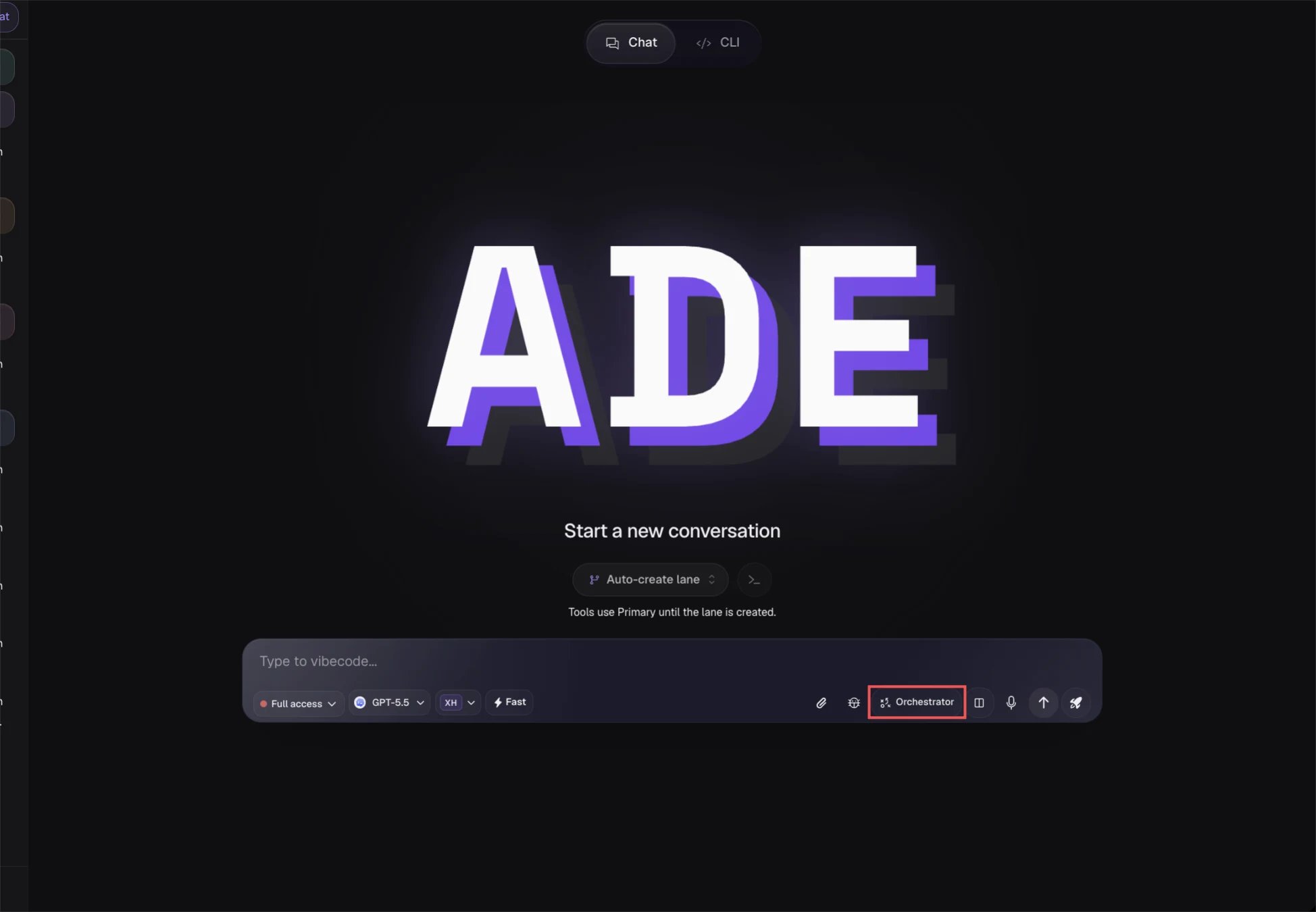
The first time you open the CTO tab, a short wizard asks you to pick a **personality preset** — the only required step. Everything else is deferred to Settings and the relevant tabs.
Choose a preset — strategic, professional, hands-on, casual, minimal, or custom. Custom lets you write your own overlay. This sets the CTO's tone; its core doctrine is fixed by ADE and not editable.
In CTO Settings, set the provider, model, and reasoning effort. The CTO reasons across the whole project, so favor a capable model over a fast one. Until you pick one, the CTO uses the project's default model.
Recommended for PR summaries, CI explanations, and review follow-up across lanes.
Connect it when issues should drive lanes, PRs, and status updates. See [Linear](/integrations/linear).
Create worker identities for recurring responsibilities such as testing or review. See [Workers](/cto/workers).
Setup finishes without Linear, a model choice, or any workers — those connect later. The CTO is meant to be a daily chat surface first.
## Personality presets
The preset shapes the CTO's communication style. The underlying operator doctrine and capability set are owned by ADE and stay fixed across presets — you're choosing tone, not rewriting the agent.
Big-picture framing and trade-offs.
Measured, businesslike updates.
Pragmatic and execution-focused.
Relaxed, conversational tone.
Terse, low-noise replies.
Write your own personality overlay.
You can re-run the wizard any time from **CTO → Settings → Reset Onboarding**, and edit the persona and model from the identity editor without resetting anything.
## First useful prompts
Lead with planning and summarization before delegation — that's where the CTO earns its keep.
```text theme={null}
Summarize the current project state and identify the highest-risk open work.
```
```text theme={null}
Plan how to split this feature into reviewable lanes before anyone starts coding.
```
```text theme={null}
Read Linear issue ENG-142 and recommend the first lane to create.
```
Treat the CTO's first plan as a draft. Refine the split in chat until the lanes are small and independent, then approve before any worker starts coding.
Manage the delegated agent identities the CTO assigns work to.
Connect Linear so the CTO can triage and route issues.
## First run
The first time you open the CTO tab, a short wizard asks you to pick a **personality preset** — the only required step. Everything else is deferred to Settings and the relevant tabs.
Choose a preset — strategic, professional, hands-on, casual, minimal, or custom. Custom lets you write your own overlay. This sets the CTO's tone; its core doctrine is fixed by ADE and not editable.
In CTO Settings, set the provider, model, and reasoning effort. The CTO reasons across the whole project, so favor a capable model over a fast one. Until you pick one, the CTO uses the project's default model.
Recommended for PR summaries, CI explanations, and review follow-up across lanes.
Connect it when issues should drive lanes, PRs, and status updates. See [Linear](/integrations/linear).
Create worker identities for recurring responsibilities such as testing or review. See [Workers](/cto/workers).
Setup finishes without Linear, a model choice, or any workers — those connect later. The CTO is meant to be a daily chat surface first.
## Personality presets
The preset shapes the CTO's communication style. The underlying operator doctrine and capability set are owned by ADE and stay fixed across presets — you're choosing tone, not rewriting the agent.
Big-picture framing and trade-offs.
Measured, businesslike updates.
Pragmatic and execution-focused.
Relaxed, conversational tone.
Terse, low-noise replies.
Write your own personality overlay.
You can re-run the wizard any time from **CTO → Settings → Reset Onboarding**, and edit the persona and model from the identity editor without resetting anything.
## First useful prompts
Lead with planning and summarization before delegation — that's where the CTO earns its keep.
```text theme={null}
Summarize the current project state and identify the highest-risk open work.
```
```text theme={null}
Plan how to split this feature into reviewable lanes before anyone starts coding.
```
```text theme={null}
Read Linear issue ENG-142 and recommend the first lane to create.
```
Treat the CTO's first plan as a draft. Refine the split in chat until the lanes are small and independent, then approve before any worker starts coding.
Manage the delegated agent identities the CTO assigns work to.
Connect Linear so the CTO can triage and route issues.