> ## Documentation Index
> Fetch the complete documentation index at: https://ade-ac1c6011-dependabot-github-actions-actions-cache-6.mintlify.site/llms.txt
> Use this file to discover all available pages before exploring further.
# Run your first agent
> Start a lane-scoped chat, watch the tool calls, and review the diff.
Agent chat is the fastest way to learn ADE — it shows the whole loop: prompt, tool calls, file changes, terminal output, review, and commit.
## Start the chat
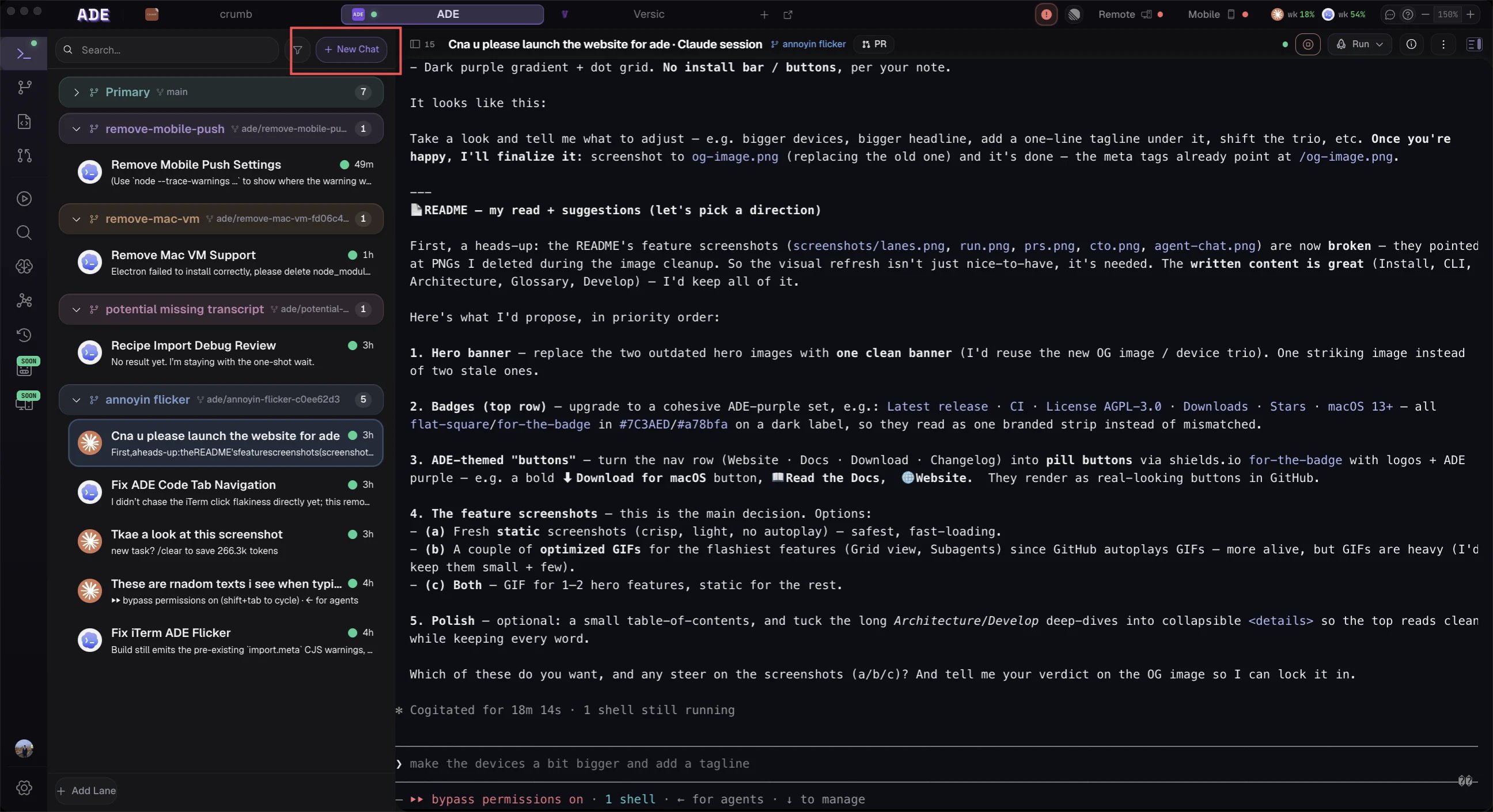
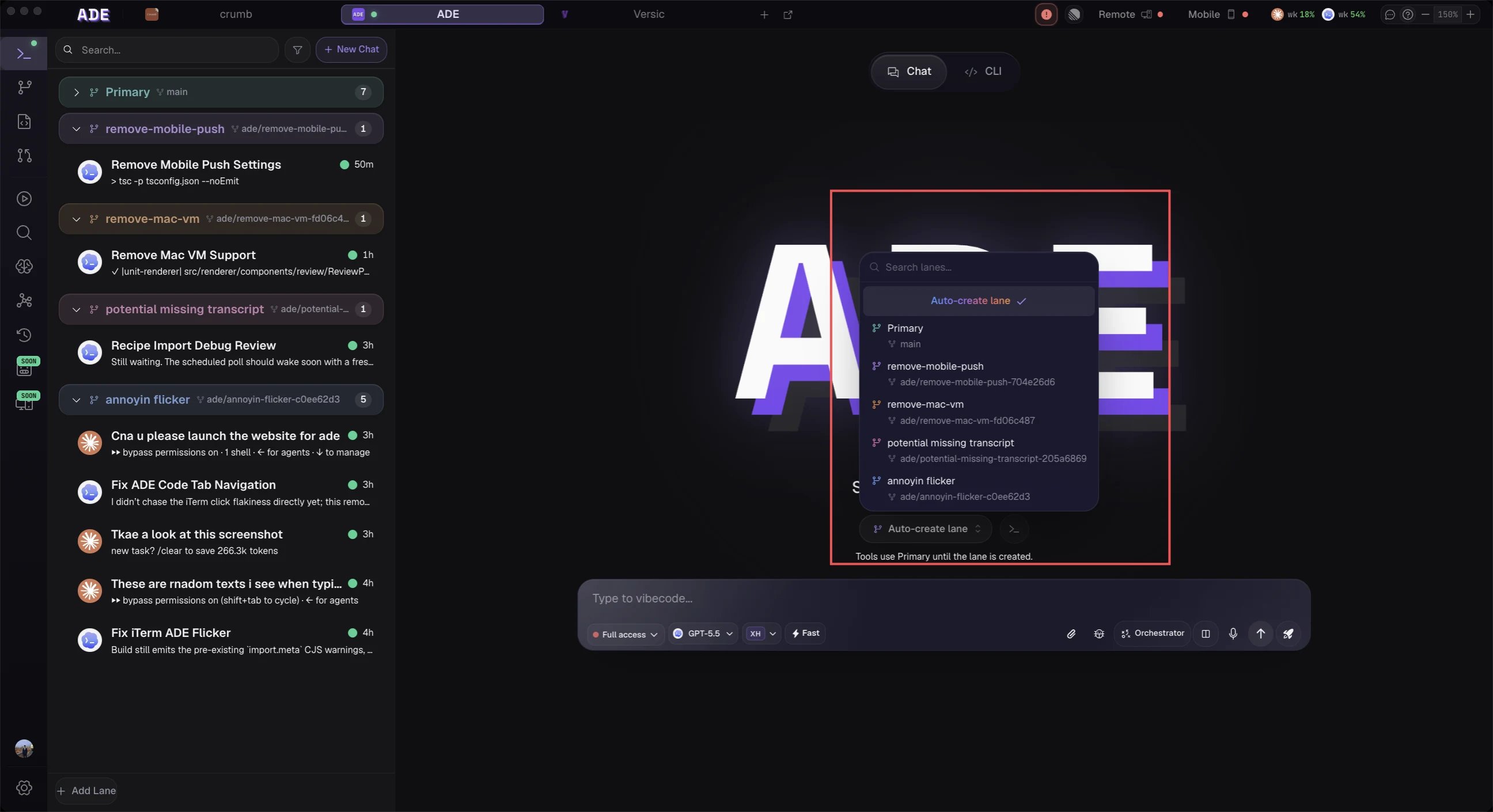
In **Work**, open a new chat. You can pick an existing lane or let ADE create one for the task.
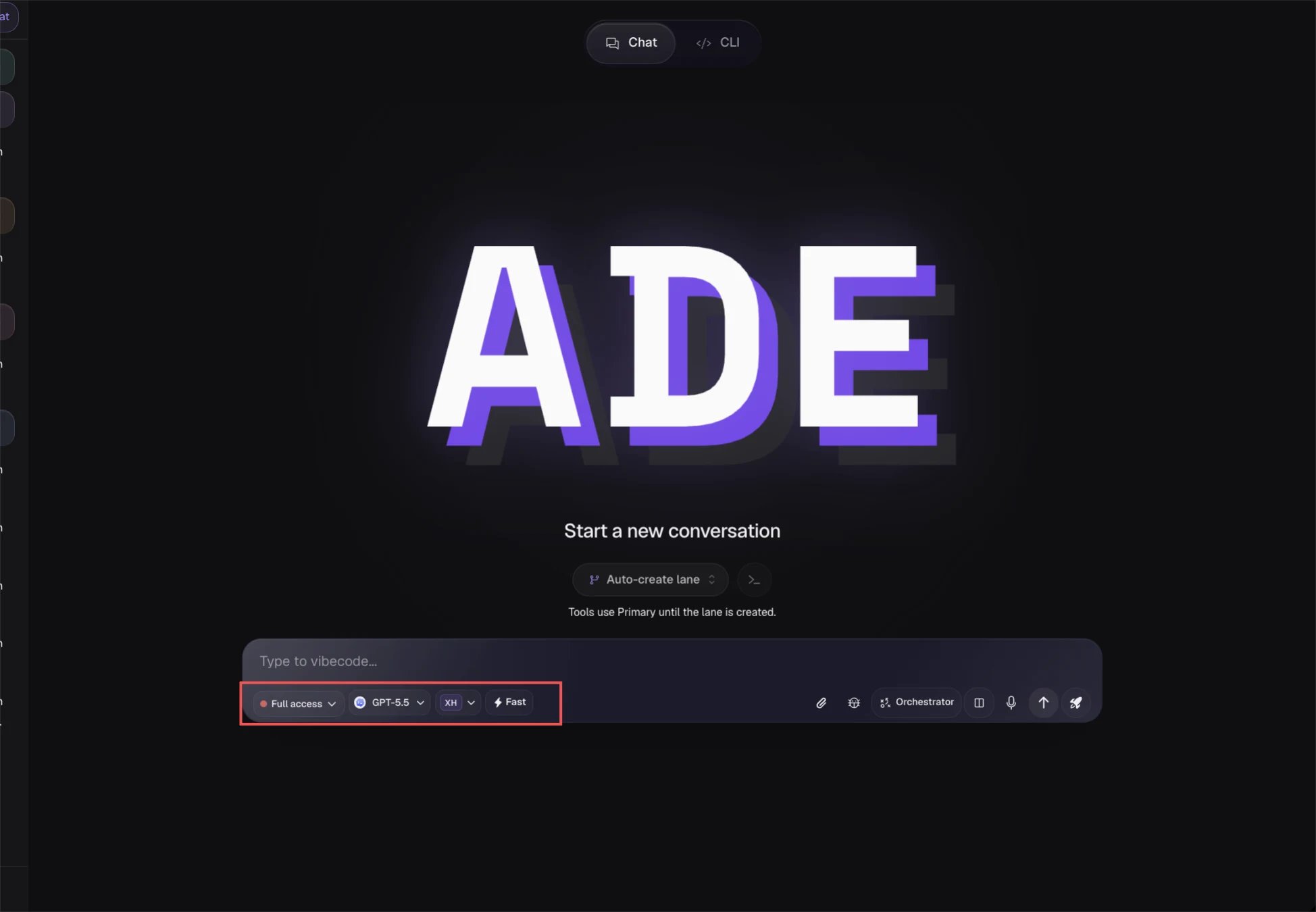
Use the default, or choose any verified provider — Claude Code, Codex, Cursor, Factory Droid, or OpenCode — from the model selector.
Ask for one contained change. Skip broad prompts like "clean up the whole app" for your first run.
The transcript streams reads, edits, shell commands, and test output as the agent works.
Open **Files**, inspect every changed file, run tests if needed, then commit.
 ## First prompt
```text theme={null}
Add a GET /health endpoint that returns { "status": "ok" } and add one test for it.
```
## If the agent gets stuck
* Press **Stop** and ask for a shorter plan.
* Paste the exact test or build error back into the chat.
* Switch to a stronger model for the session.
* Keep the task inside the lane — don't move it to your primary checkout.
## Next
How chats, providers, and tool calls work.
Open a PR once the lane is ready.
## First prompt
```text theme={null}
Add a GET /health endpoint that returns { "status": "ok" } and add one test for it.
```
## If the agent gets stuck
* Press **Stop** and ask for a shorter plan.
* Paste the exact test or build error back into the chat.
* Switch to a stronger model for the session.
* Keep the task inside the lane — don't move it to your primary checkout.
## Next
How chats, providers, and tool calls work.
Open a PR once the lane is ready.