> ## Documentation Index
> Fetch the complete documentation index at: https://ade-ac1c6011-dependabot-github-actions-actions-cache-6.mintlify.site/llms.txt
> Use this file to discover all available pages before exploring further.
# Lanes
> A lane is ADE's name for a git worktree — one isolated branch and working copy per task, so agents work in parallel without colliding.
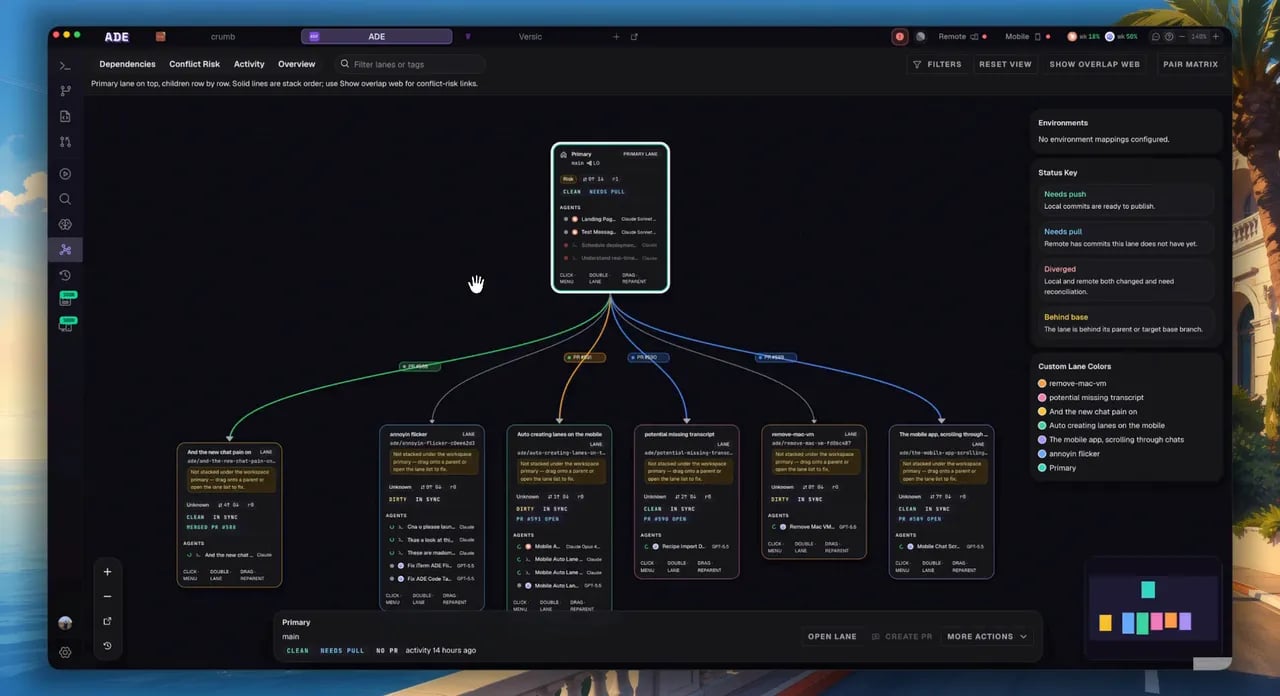
A **lane** is ADE's name for a git worktree: an isolated branch and working copy for a single task. Each lane has its own files, branch, chat and terminal sessions, processes, diff, and PR — so several agents can work in the same repository at once without writing over each other or your main checkout.
 ## The primary lane vs. your lanes
When you open a repository, your existing checkout — the repo root — becomes the **primary lane**. It always exists and can't be deleted or restacked. Agents *can* work in it, but it's your real working tree, so the safer habit is to leave the primary lane alone and do agent work in fresh lanes.
Everything else is a lane you create. Each new lane is its own git worktree under `.ade/worktrees/`, completely isolated from the primary checkout and from other lanes.
You don't pick a "lane type" — the primary lane is just your repo root, and every other lane is a worktree. What differs is **how** you bring a lane into being.
## Ways to create a lane
Branch a fresh worktree from your default branch — or any other branch. This is the default, and the safest place for agent work.
Branch a lane off another lane instead of `main` to build dependent work as a stack. ADE calls these **child lanes**.
Pull a branch you already have — local or remote — into a managed worktree, PR pills and all.
Already made a `git worktree` outside ADE? Attach its path and ADE tracks it without ever moving or cleaning it.
## The same lanes, everywhere
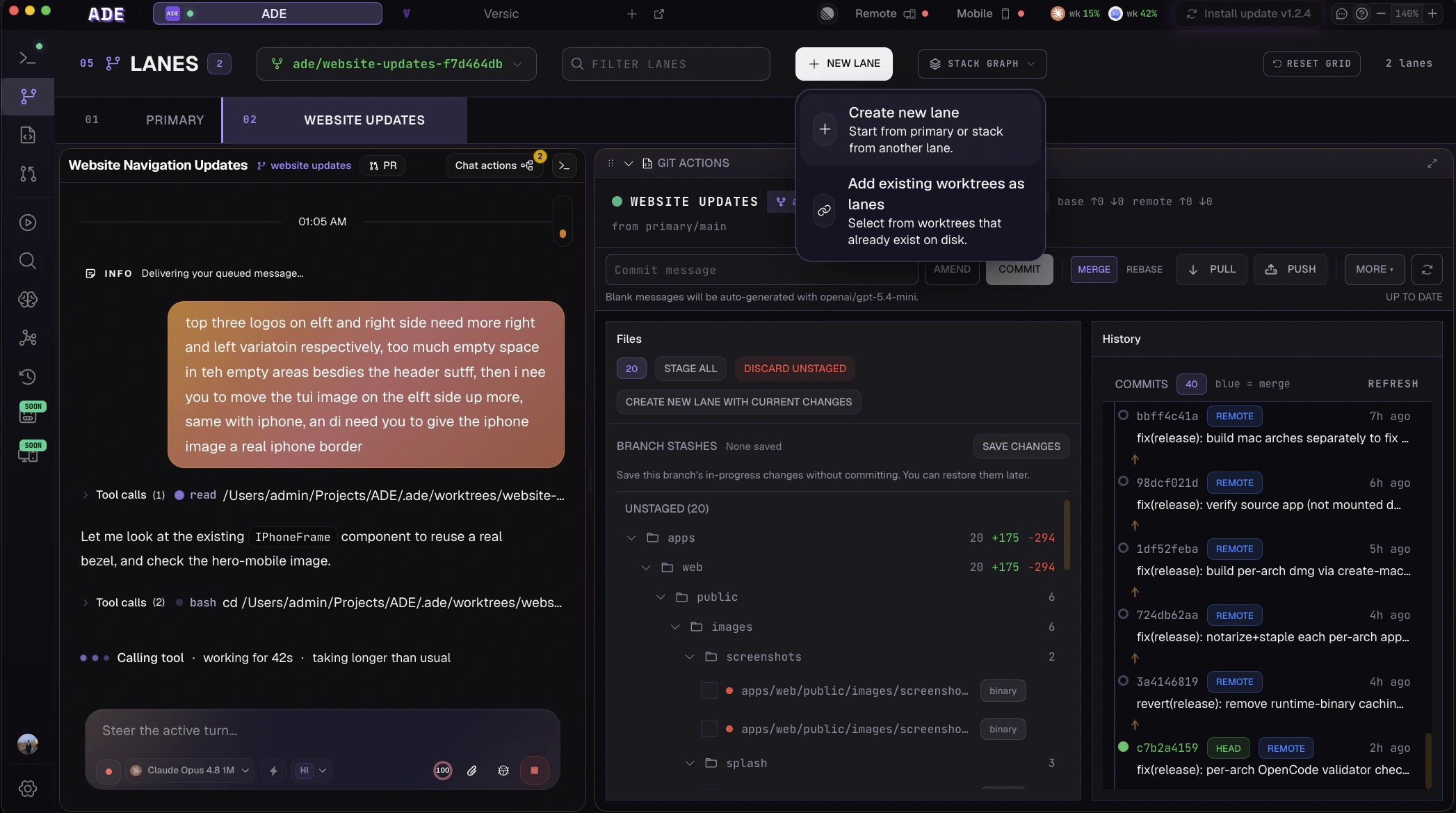
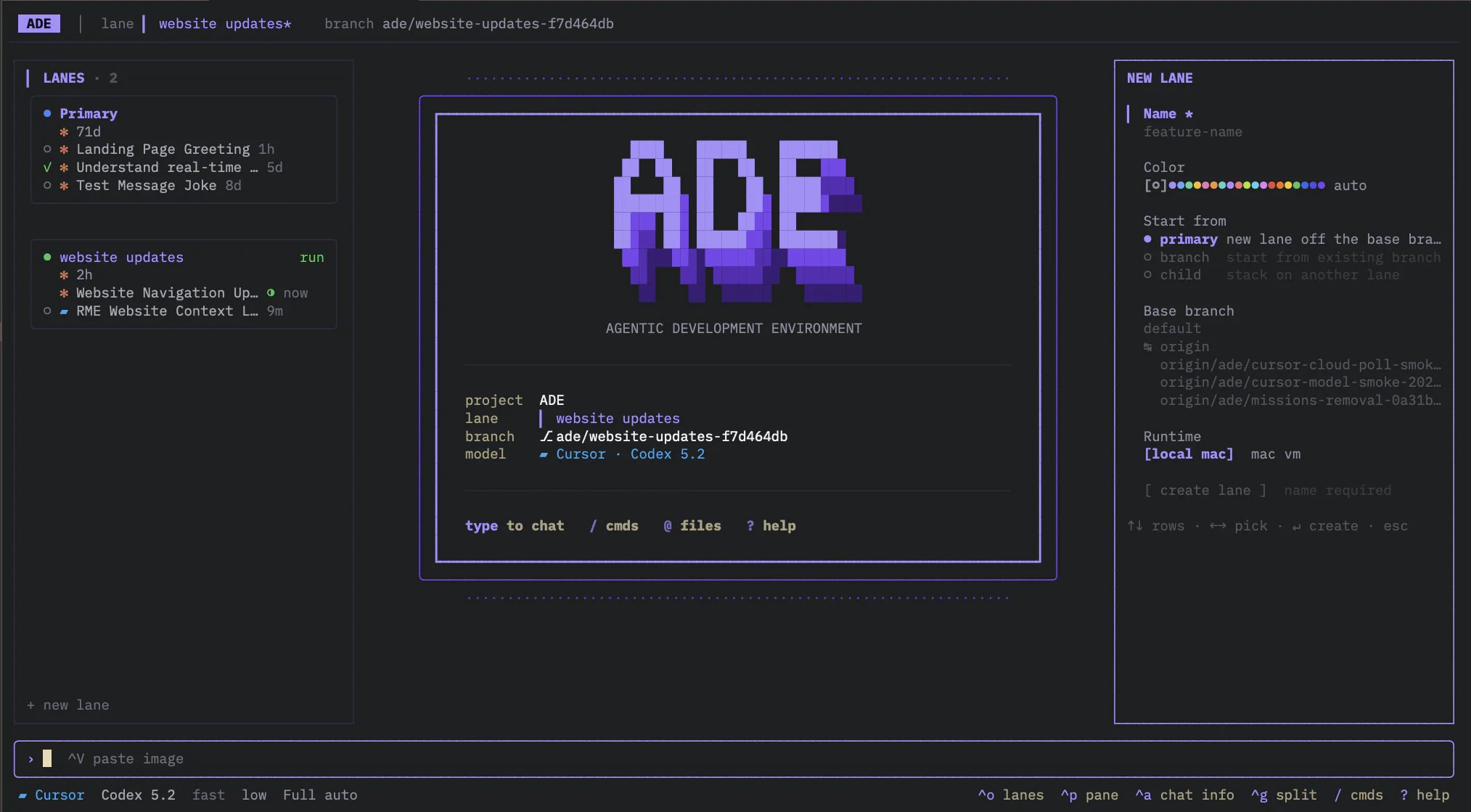
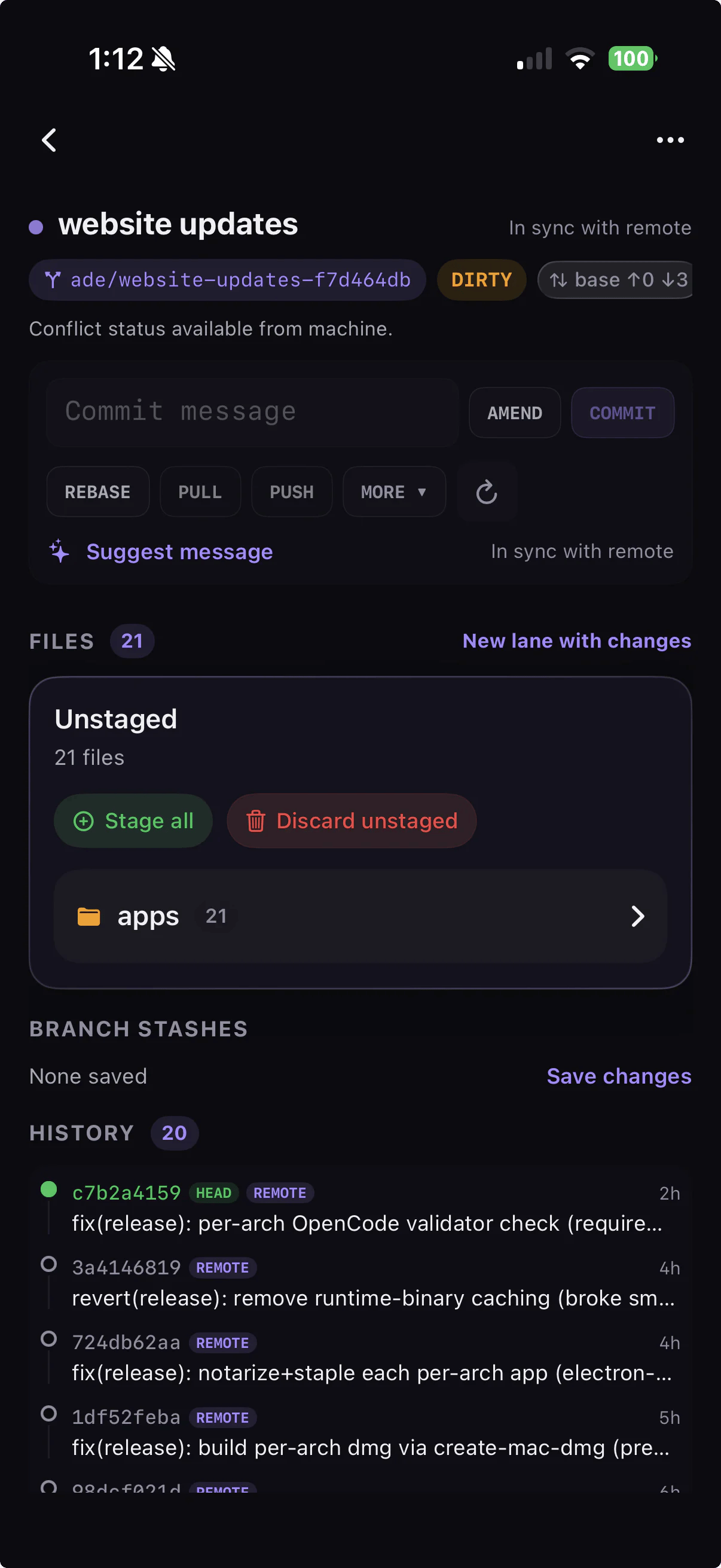
Lanes sync across every surface. Start one on the desktop, continue it in the terminal, check on it from your phone.
## The primary lane vs. your lanes
When you open a repository, your existing checkout — the repo root — becomes the **primary lane**. It always exists and can't be deleted or restacked. Agents *can* work in it, but it's your real working tree, so the safer habit is to leave the primary lane alone and do agent work in fresh lanes.
Everything else is a lane you create. Each new lane is its own git worktree under `.ade/worktrees/`, completely isolated from the primary checkout and from other lanes.
You don't pick a "lane type" — the primary lane is just your repo root, and every other lane is a worktree. What differs is **how** you bring a lane into being.
## Ways to create a lane
Branch a fresh worktree from your default branch — or any other branch. This is the default, and the safest place for agent work.
Branch a lane off another lane instead of `main` to build dependent work as a stack. ADE calls these **child lanes**.
Pull a branch you already have — local or remote — into a managed worktree, PR pills and all.
Already made a `git worktree` outside ADE? Attach its path and ADE tracks it without ever moving or cleaning it.
## The same lanes, everywhere
Lanes sync across every surface. Start one on the desktop, continue it in the terminal, check on it from your phone.
 ## What's isolated to a lane
A lane is more than a branch — it's a full parallel workspace.
A dedicated worktree and branch. Stashes, rebases, and merges stay local to the lane.
Chats, terminals, and CLI sessions run scoped to the lane's worktree.
Dev servers and tests get their own port range and preview, so lanes don't fight over `3000`.
A clear diff, conflict risk, and a PR link — review and ship each lane on its own.
## The lane lifecycle
Branch a worktree from your default branch, stack a child lane, import a branch, or attach an external worktree.
Open chat, terminals, Files, or Run — all scoped to the lane.
Inspect the diff, tests, proof, History, and conflict risk.
Commit, push, open a PR, merge, then archive or delete the lane.
## What's isolated to a lane
A lane is more than a branch — it's a full parallel workspace.
A dedicated worktree and branch. Stashes, rebases, and merges stay local to the lane.
Chats, terminals, and CLI sessions run scoped to the lane's worktree.
Dev servers and tests get their own port range and preview, so lanes don't fight over `3000`.
A clear diff, conflict risk, and a PR link — review and ship each lane on its own.
## The lane lifecycle
Branch a worktree from your default branch, stack a child lane, import a branch, or attach an external worktree.
Open chat, terminals, Files, or Run — all scoped to the lane.
Inspect the diff, tests, proof, History, and conflict risk.
Commit, push, open a PR, merge, then archive or delete the lane.
 Every lane action is also available from the `ade` CLI and `ade code`:
```bash theme={null}
ade lanes list --text # list lanes in the active project
ade lanes create "fix-checkout-flow" # branch a new worktree lane
ade lanes delete --force # tear down a merged or abandoned lane
```
Run `ade lanes --help` to see every flag.
Every way to start a lane, in detail.
Build child-lane chains and reviewable stacks.
Every lane action is also available from the `ade` CLI and `ade code`:
```bash theme={null}
ade lanes list --text # list lanes in the active project
ade lanes create "fix-checkout-flow" # branch a new worktree lane
ade lanes delete --force # tear down a merged or abandoned lane
```
Run `ade lanes --help` to see every flag.
Every way to start a lane, in detail.
Build child-lane chains and reviewable stacks.