> ## Documentation Index
> Fetch the complete documentation index at: https://ade-ac1c6011-dependabot-github-actions-actions-cache-6.mintlify.site/llms.txt
> Use this file to discover all available pages before exploring further.
# Quickstart
> Install ADE, open a project, create a lane, and run your first agent task.
This page is the shortest useful path. You can tune providers, permissions, Linear, mobile, and worker settings later.
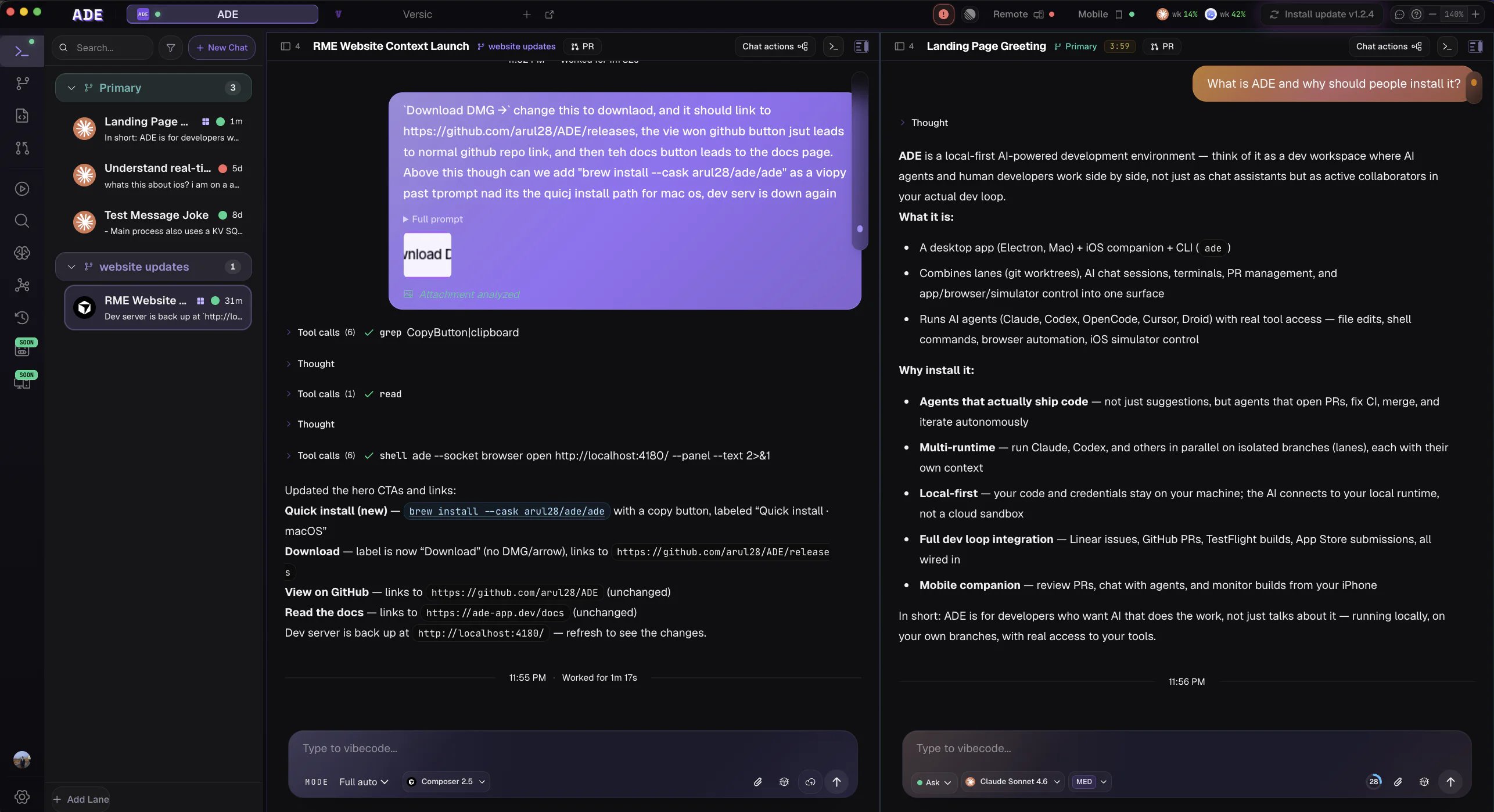 Download the latest macOS DMG from [GitHub Releases](https://github.com/arul28/ADE/releases), open it, and drag **ADE.app** into `/Applications`.
Open **Settings -> AI Providers** and verify at least one provider. Claude Code, Codex, Cursor, Factory Droid, and OpenCode are the agent paths.
Use **Open Repository** on the welcome screen or press `Cmd+O`. Choose the repository root, not a subfolder.
In **Lanes**, create a new lane from your default branch. A lane is ADE's name for a git worktree — it gets its own branch and working copy under `.ade/worktrees/`, isolated from your main checkout.
Open the lane in **Work** or **Chat** and send a narrow task. Start with something easy to inspect.
Use **Files** to inspect the diff, run tests from **Run** or the terminal, then commit and create a PR when it looks right.
## A good first prompt
```text theme={null}
Add a GET /health endpoint that returns { "status": "ok" } and add one test for it.
```
Pick a version of that prompt that fits your project. The goal is to exercise the loop: lane, chat, edit, test, review, commit.
## What to read next
Understand the product vocabulary without reading a reference manual.
More detail on choosing a provider, watching tool calls, and reviewing output.
How ADE keeps parallel work isolated.
How finished lane work moves into GitHub review.
Download the latest macOS DMG from [GitHub Releases](https://github.com/arul28/ADE/releases), open it, and drag **ADE.app** into `/Applications`.
Open **Settings -> AI Providers** and verify at least one provider. Claude Code, Codex, Cursor, Factory Droid, and OpenCode are the agent paths.
Use **Open Repository** on the welcome screen or press `Cmd+O`. Choose the repository root, not a subfolder.
In **Lanes**, create a new lane from your default branch. A lane is ADE's name for a git worktree — it gets its own branch and working copy under `.ade/worktrees/`, isolated from your main checkout.
Open the lane in **Work** or **Chat** and send a narrow task. Start with something easy to inspect.
Use **Files** to inspect the diff, run tests from **Run** or the terminal, then commit and create a PR when it looks right.
## A good first prompt
```text theme={null}
Add a GET /health endpoint that returns { "status": "ok" } and add one test for it.
```
Pick a version of that prompt that fits your project. The goal is to exercise the loop: lane, chat, edit, test, review, commit.
## What to read next
Understand the product vocabulary without reading a reference manual.
More detail on choosing a provider, watching tool calls, and reviewing output.
How ADE keeps parallel work isolated.
How finished lane work moves into GitHub review.